Lovable, Bolt.new and Cursor are not interchangeable. Lovable builds a complete application from a plain-language description, which makes it ideal if you have no technical background. Bolt.new is a sandbox that runs in your browser, perfect for validating an idea in 30 minutes. Cursor is an AI code editor: more powerful, but built for people who already know how to code. This guide compares all three on the criteria that matter to a founder: how fast you get started, what it really costs, where it breaks down in production, and which one to pick at each stage of development. A Lovable app deployed in an hour is worthless if it can't grow. A well-configured Cursor setup can replace an entire dev team, provided you have the skills.
The 3 tools at a glance
| Tool | Type | Best for | Free tier | Pro price |
|---|---|---|---|---|
| Lovable | Full-stack app generator | Non-developer founders | 5 messages/day | $25/month |
| Bolt.new | Browser IDE (WebContainers) | Rapid prototyping | Tokens capped at 300K/day on the free plan | ~$20/month |
| Cursor | AI code editor (VS Code fork) | Founders with technical skills | 2,000 completions/month | $20/month |
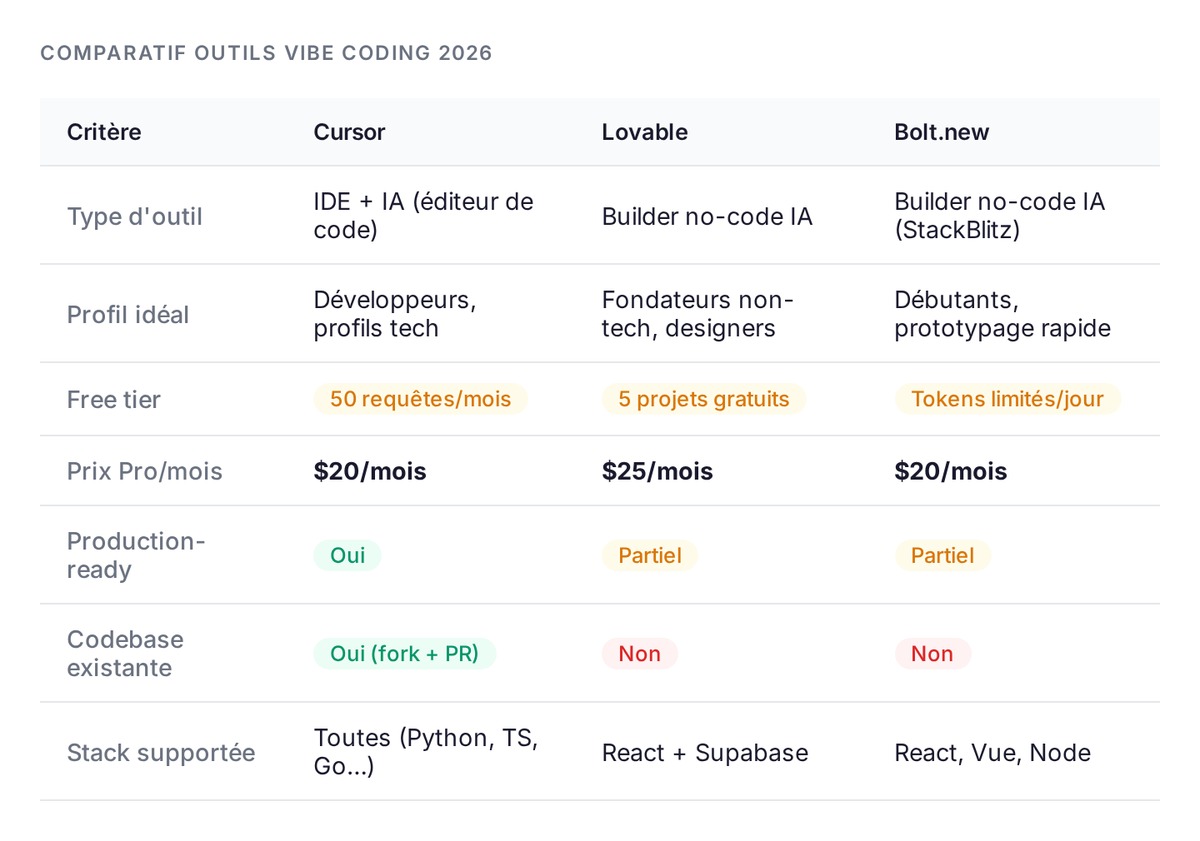
These three tools reflect three different philosophies about how a founder relates to code. Lovable wants you to forget you're coding at all. Cursor wants to make you better at the coding you already do. Bolt.new sits in between: real code, in the browser, nothing to install, and almost zero friction to get going.
Lovable, for building a complete app without coding
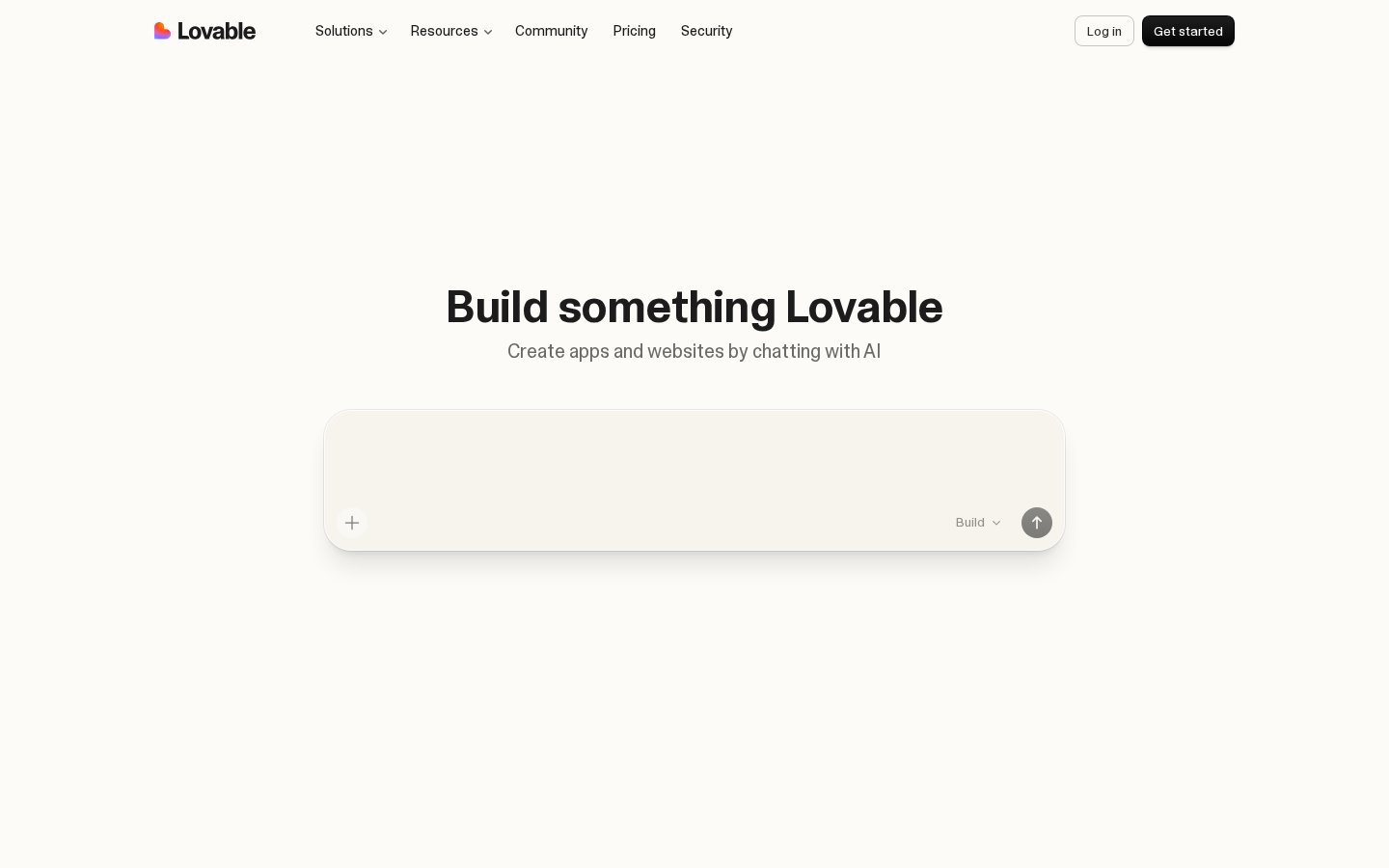
You describe your product in plain English. Lovable generates a React + Supabase application with a database, authentication and a full interface. You never have to look at a line of code unless you want to.
Lovable's strengths
Lovable shines on greenfield projects with no existing codebase. The output is often complete: frontend, backend and database. For a validation MVP (a signup form, a simple dashboard, an internal tool), it's the shortest path from an idea to a shareable URL.
The generated code can be exported to GitHub, so you can hand the project to a developer without starting over. That's a critical difference from classic no-code tools like Webflow or Bubble, where the code belongs to the platform. With Lovable, you own what you build.
Lovable's limits
Lovable is a poor fit for an existing codebase. If you already have your own architecture conventions and stack, Lovable will get in the way more than it helps. It generates in its own style, which is hard to constrain.
The generated app isn't production-ready yet. When you need serious performance, security or advanced infrastructure (queues, workers, microservices), Lovable hits its ceiling fast. And if you don't review what it generates, you pile up technical debt.
Pricing and the real free tier
- Free: 5 messages per day, enough to test, not enough for serious development
- Pro: $25/month, 100 credits per month (messages consume credits based on request complexity)
- Business: $50/month, SSO, extra credits, team features
One Lovable credit covers a complex instruction ("add a profile page with an avatar and permission management"). 100 credits a month cover a handful of serious development sessions. During intensive iteration, the real cost climbs as you buy extra credit add-ons.
Bolt.new, for fast prototyping in the browser
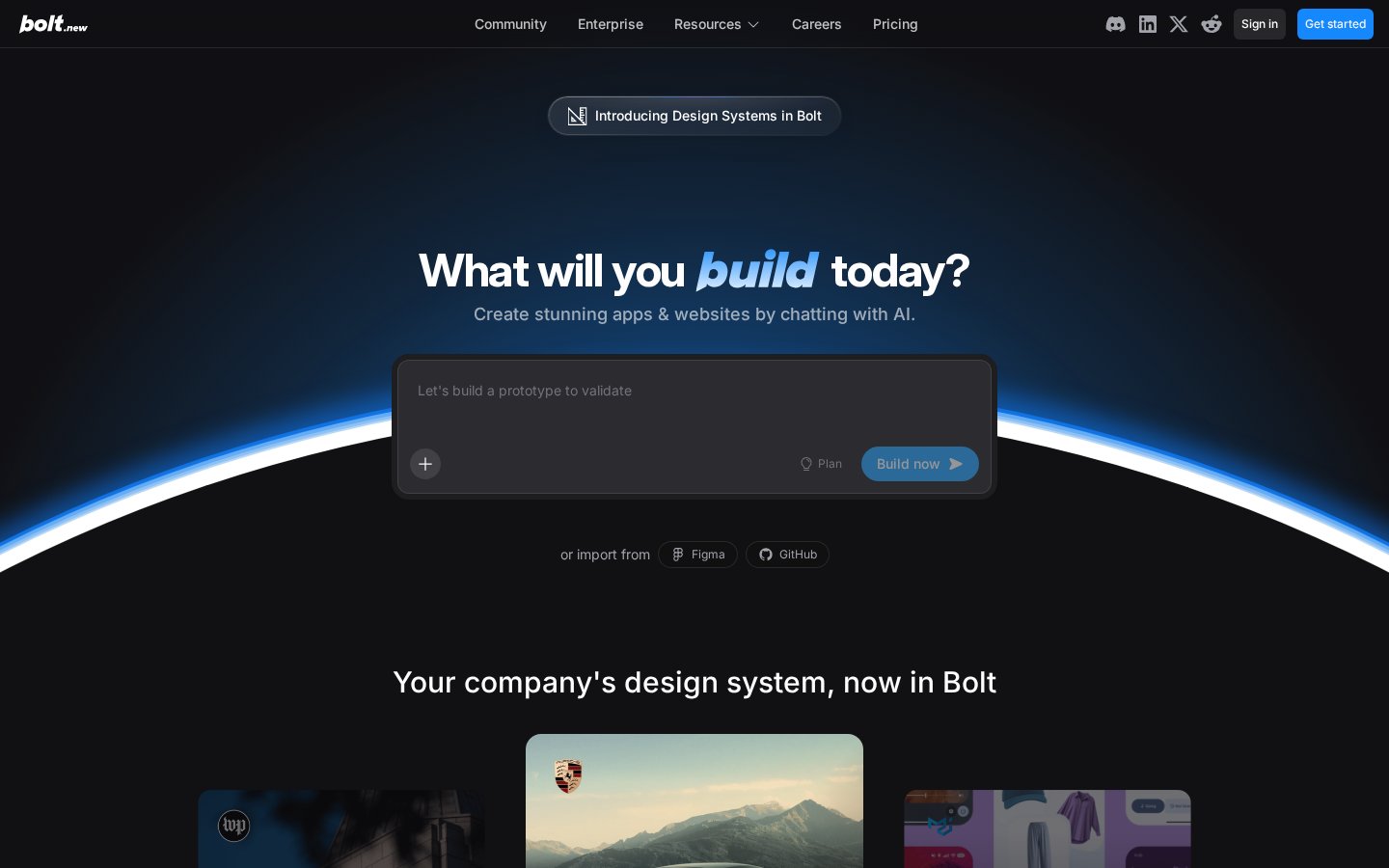
Bolt.new runs entirely in the browser via WebContainers, a StackBlitz technology that compiles Node.js to WebAssembly. No installation, no local setup. You open bolt.new, describe your app, and a full development environment spins up in seconds.
Bolt's strengths
When it comes to validating an idea, Bolt is faster than the other two. Going from "I want a booking MVP for a coaching service" to a live, shareable result: Bolt.new is the shortest path.
Since August 2025, Bolt Cloud has expanded its capabilities significantly: a built-in database, authentication setup, and native hosting on bolt.host with custom domains on paid plans. The "demo tool only" era is over, and Bolt now handles real development work.
Bolt's limits
Technical debt builds up quickly on complex projects. Bolt handles simple apps well. For real SaaS infrastructure with Postgres, Redis and job queues, you'll export the code to a proper environment and spend time adapting it.
On advanced projects, generation errors start to cascade: Bolt sometimes fixes one bug by creating two more. Once a project grows past a few hundred lines, reliability drops and debugging eats up your time.
Pricing and the real free tier
- Free: 1 million tokens per month, capped at 300,000 per day with no rollover, enough for short demos but too little for an extended development session
- Pro: ~$20/month, 10 million tokens/month, no daily cap, unused tokens roll over for 2 months
- Teams: $30/user/month, 20 million tokens/month
A token is a fragment of text: a short, common word counts as one, while a long or rare term counts as several. Bolt's documentation explains that most consumption comes from reading and syncing your project files, on top of the generated response itself. The bigger your codebase gets, the more each message costs.
Cursor, for founders with technical skills
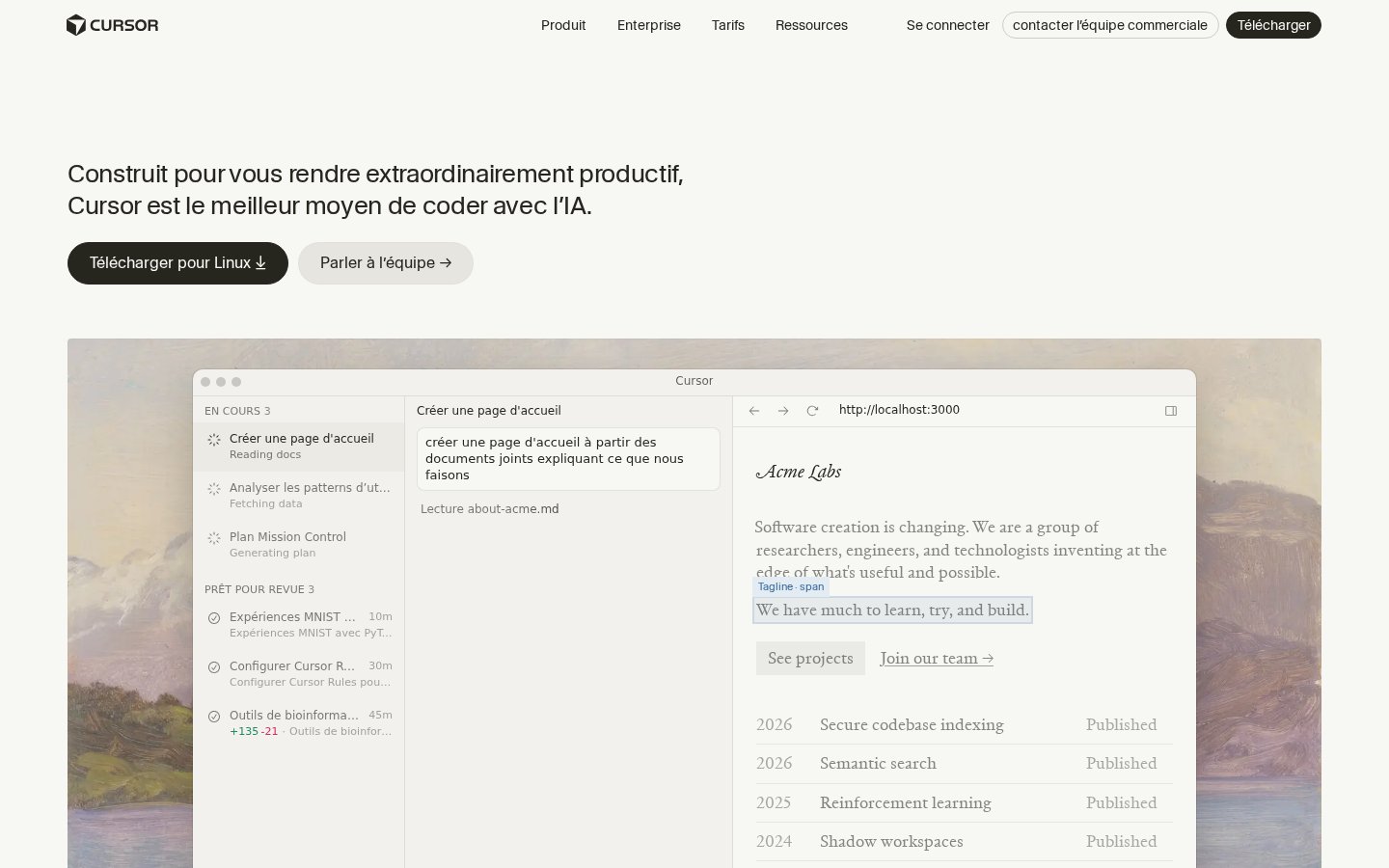
Cursor is VS Code with AI woven deep into it: an augmented code editor, in a different category from app generators. The conceptual difference is total. Cursor improves the work you already do, and you stay the one building.
Cursor's strengths
Cursor understands your entire codebase. If your project has 20 files and 3,000 lines, Cursor reads all of it, picks up your conventions, and suggests changes that fit your existing architecture.
Its multi-file generation is unmatched among the tools in this comparison. "Add an authentication system with JWT and refresh tokens, following the pattern I use in /api/users.ts": Cursor edits the right files, in the right style, respecting your conventions. No no-code generator can do that on an existing codebase.
Cursor's limits
Without coding fundamentals, Cursor won't help you: it amplifies a developer. You need to understand what it generates so you can review it, fix it and deploy it. The risk of approving buggy code you don't understand is real and expensive.
It also takes time to set up. Getting good at Cursor (writing effective .cursorrules, giving prompts the right context, managing large contexts) takes several weeks of regular practice.
Pricing and the real free tier
- Hobby (free): 2,000 completions/month, 50 slow requests, enough to evaluate the tool properly
- Pro: $20/month, unlimited completions, 500 fast requests, access to advanced models
- Teams: $40/user/month, team features, privacy mode, admin
At $20/month, Cursor offers the best ROI on this list for a technical founder. Saving just a few hours of work a week is enough to justify the subscription.
Which one to choose for your startup stage?
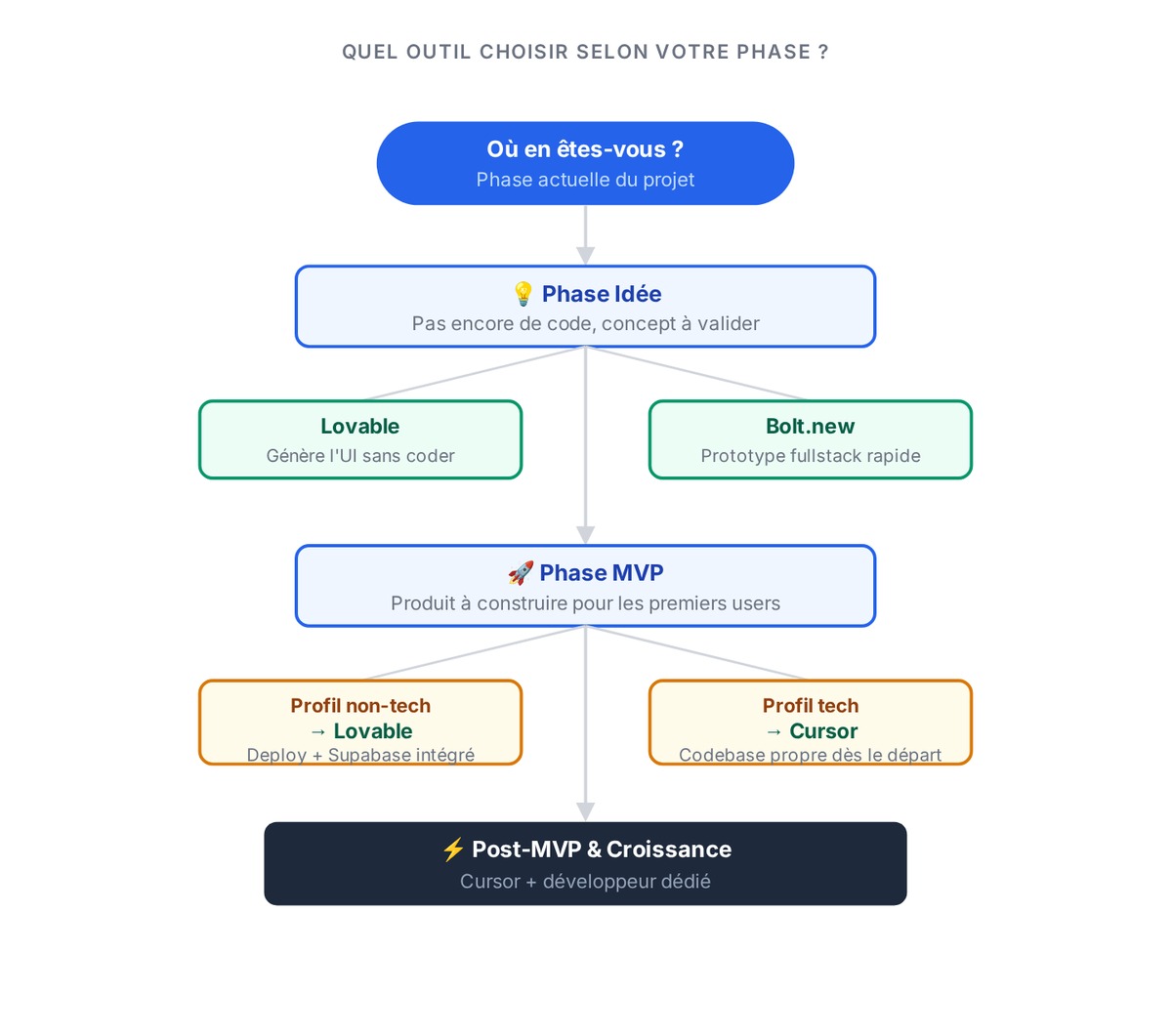
Which tool should you use right now, at this exact point in the project? The answer depends on what you need to prove over the next few weeks.
Idea / validation stage (0 revenue, 0 code)
You have an idea. You want to show it to ten people to validate the concept. At this point, what you need is a URL; the codebase comes later.
Lovable or Bolt.new. The goal is a presentable demo in under a day. Pick Lovable if you want an app with persistent data. Pick Bolt.new if you want to iterate on the result live during a user call. At this stage, user feedback is what matters, and code quality can wait.
MVP stage (first users)
Your idea is validated. You're building the first version your early users can actually use.
Lovable if you have no technical background. Lovable's React + Supabase stack is exportable, proven on products running in production, and easy to hand over to a developer if you raise funding. You avoid capping your growth with technical debt from day one.
Cursor if you have technical skills. You'll go further, faster, and keep the code clean. For a founder-CTO or engineer profile, Cursor gets you moving much faster while keeping the code maintainable.
Post-MVP stage (refactoring, new features)
You have active users. The code is starting to cause scalability and maintenance problems.
Cursor only. At this point, generators hit their limits. You need control over architecture, performance and security. If you started on Lovable: export the code to GitHub, open it in Cursor, and carry on from there.
Can you combine the tools?
Yes, and it's often the best strategy for semi-technical founders.
The combination that works: Lovable for the initial scaffolding, Cursor for the business logic. You generate the base architecture, UI components and Supabase configuration in Lovable (1 to 2 days of work). You export to GitHub. Then you open the project in Cursor and refine the logic, validation rules and complex API integrations.
You keep Lovable's fast start and gain Cursor's control. The only prerequisite: being able to read React code, even if you don't write it from scratch. For the other AI tools in a startup stack (marketing, agents, operations), check out our selection of AI tools for startups.
Another useful combination: Bolt.new to test a new feature, Cursor to integrate it. You prototype the idea in Bolt (30 minutes), then bring the logic into your codebase with Cursor. Bolt becomes your R&D sandbox.
When should you stop vibe coding and bring in a developer?
Sooner than you think, if your product is working.
Three warning signs:
- Performance: your app slows down as soon as users log in at the same time. Vibe coding tools don't optimize infrastructure.
- Security: you handle personal data, payments or sensitive access. You have to design those protections yourself.
- Infrastructure: you need queues, workers, background jobs, a database that scales. Supabase free plan limits arrive quickly.
Two other signals matter just as much. Once several people work on the codebase, it has to be readable, versioned and documented, and code generated solo doesn't always lend itself to that. And on complex integrations (webhooks with state logic, real-time syncing, APIs with sophisticated error handling), Lovable and Bolt plateau fast.
Vibe coding is a tool for early-stage validation, and its usefulness ends where scaling begins. Founders who don't hand over at the right moment lose months patching generated code instead of building the product.
FAQ
What's the difference between Lovable and Bolt?
Lovable generates a complete full-stack application (React + Supabase) from a plain-language description. Bolt.new is a development environment in the browser, closer to a fast IDE with built-in AI. Lovable suits non-developers who want a working, deployed app; Bolt suits people who want to prototype quickly with a bit more visible control over the generated code.
Is Cursor free?
Cursor offers a free Hobby plan with 2,000 AI completions and 50 slow requests per month, enough to evaluate it properly. The Pro plan at $20/month unlocks unlimited completions and access to advanced models. A Teams plan is available at $40/user/month, with privacy mode and admin features.
Can you launch a SaaS with a vibe coding tool?
Yes, as a validation MVP. Lovable and Bolt let you deploy a simple SaaS with authentication, a database and payment integration. To go into production with real users and reliability requirements, you'll need to harden security, optimize performance and take back control of the infrastructure. Vibe coding is a viable starting point, and the final product will need more.
Which vibe coding tool should you choose without technical skills?
Lovable is the most direct answer. You describe your app, it gets generated and deployed, and you own the code. The free tier (5 messages/day) lets you test with no financial commitment. Bolt.new is also accessible but takes a bit more intuition to use well. Cursor requires an existing codebase and development knowledge. If you're interested in AI tools for founders, our guide to Claude Code for founders covers an even more advanced approach.